Paint Brush Script: A Versatile Font for Modern Web Design
As a web designer, finding the right typeface can make or break your project. Paint Brush Script is a natural and modern calligraphy font that adds a touch of elegance and creativity to any digital design. Its flowing, handwritten style makes it perfect for adding a personal and unique touch to your web projects.
Visual Characteristics and Personality
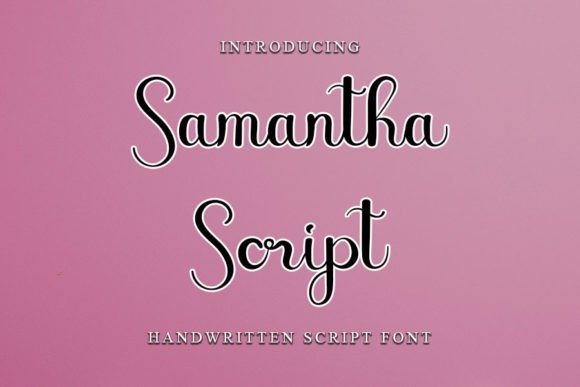
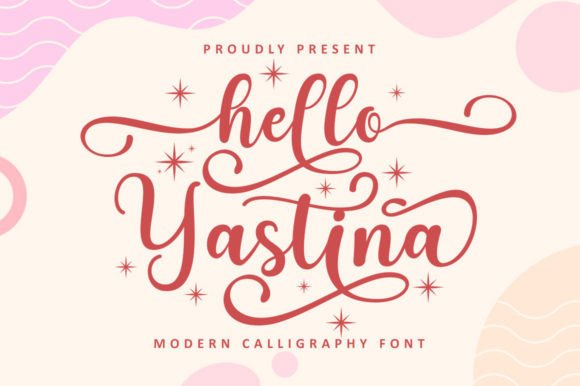
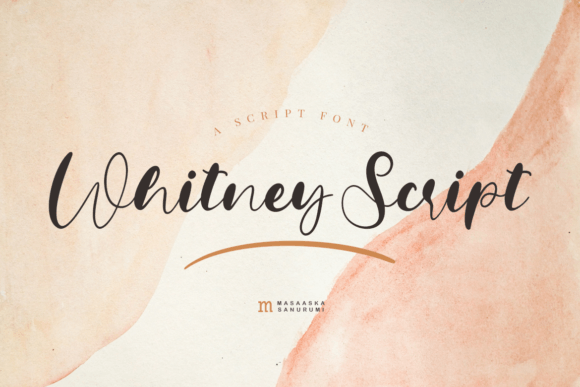
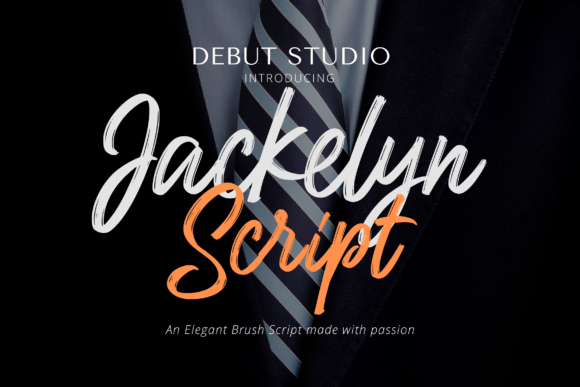
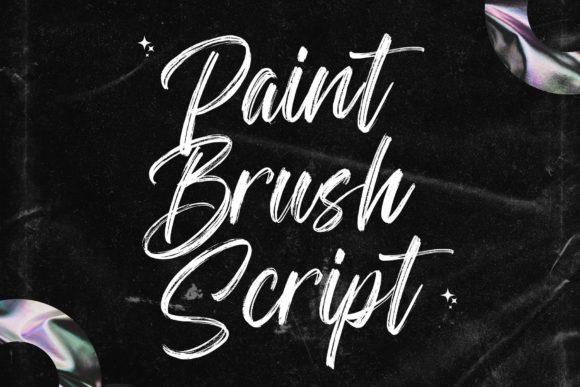
Paint Brush Script stands out with its fluid, brush-like strokes and organic feel. This script font has a casual yet sophisticated appearance, making it ideal for brands that want to convey a sense of authenticity and creativity. The font's natural flow and subtle variations in line thickness give it a hand-painted look, which is both visually appealing and engaging.
Using Paint Brush Script in Web Design
When it comes to web design, Paint Brush Script can be a powerful tool for creating a memorable and impactful user experience. Here’s how you can use this font effectively:
- Website Headers and Hero Sections: Use Paint Brush Script for the main heading in your hero section to grab attention and set the tone for the rest of the page. Its distinctive style can help your brand stand out and create a lasting impression.
- Landing Pages and Call-to-Action Areas: Incorporate Paint Brush Script for short, impactful CTAs. The font's personality can make your buttons and calls to action more inviting and engaging, potentially increasing conversion rates.
- Online Shop Banners and Product Pages: Add a touch of elegance to your online store by using Paint Brush Script for banners, product titles, and promotional text. It can enhance the visual appeal of your shop and make your products more attractive to potential customers.
- Blog Graphics and Social Media Posts: Use Paint Brush Script for blog headers, social media graphics, and other content marketing materials. Its creative and modern style can help your content stand out and attract more readers and followers.
Readability and Visual Hierarchy
While Paint Brush Script is visually striking, it's important to use it judiciously to maintain readability and a clear visual hierarchy. Here are some tips:
- Hero Titles and Section Headings: Use Paint Brush Script for large, prominent titles and headings where the font's style can shine without overwhelming the reader. This helps create a strong focal point and adds a touch of elegance.
- Short Phrases and Decorative Accents: Incorporate Paint Brush Script for short, impactful phrases, decorative accents, and secondary elements. This allows the font to add a creative touch without sacrificing readability.
- Avoid Long Text and Body Copy: For longer text and body copy, pair Paint Brush Script with a clean, simple sans serif font. This combination ensures that the main content remains easy to read while still benefiting from the decorative flair of the script font.
Font Pairing and Brand Identity
To create a cohesive and professional brand identity, consider pairing Paint Brush Script with complementary fonts. A good rule of thumb is to use a script font for headings and a sans serif or serif font for body text. Some popular combinations include:
- Sans Serif Fonts: Pair Paint Brush Script with a clean, modern sans serif like Arial, Helvetica, or Roboto. This combination provides a good balance between creativity and readability.
- Serif Fonts: For a more editorial and traditional feel, pair Paint Brush Script with a classic serif font like Times New Roman, Georgia, or Merriweather. This can add a touch of sophistication and professionalism to your design.
Practical Considerations
When using Paint Brush Script in your web designs, keep the following practical considerations in mind:
- File Formats and Webfont Availability: Ensure that the font includes webfont formats (WOFF, WOFF2, EOT) for seamless integration into your website. Check if the font also supports various file formats for different design needs.
- Styles and Weights: Explore the included styles and weights to find the best fit for your project. Different variations can help you achieve the desired effect and add versatility to your design.
- Multilingual Support: If your project requires support for multiple languages, verify that Paint Brush Script includes the necessary character sets and glyphs.
- Commercial Licensing: Always check the licensing terms for commercial use. Make sure you have the appropriate license for using the font in client projects, online stores, landing pages, digital templates, and other brand assets.
By thoughtfully incorporating Paint Brush Script into your web designs, you can create a visually appealing and engaging user experience that enhances your brand's identity and leaves a lasting impression on your audience.